What it does
- Runs on a schedule or when something happens: a new booking, before or after a visit, a new email
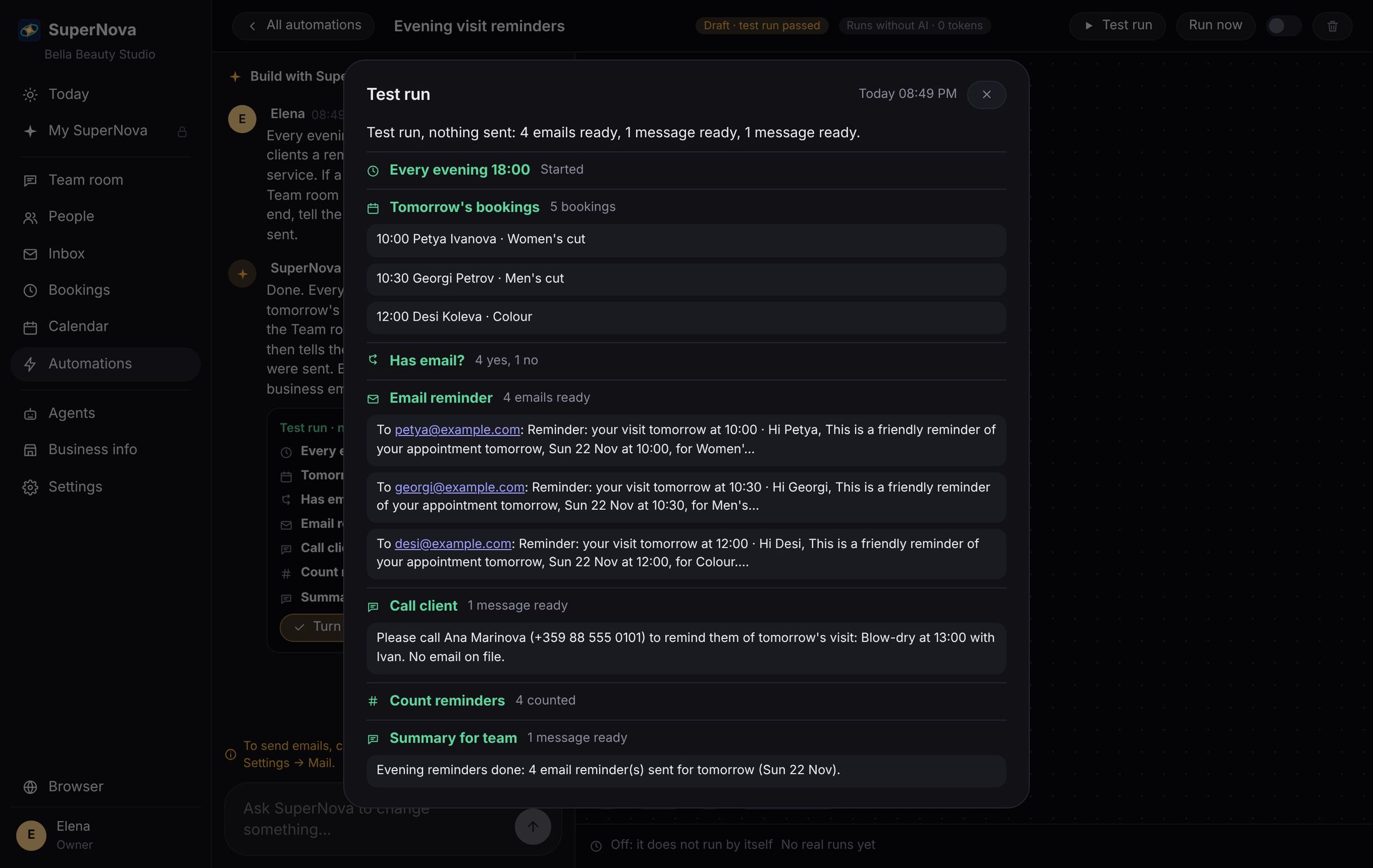
- A test run shows how many emails it would send, and to whom
- Move, connect, add and change blocks by hand
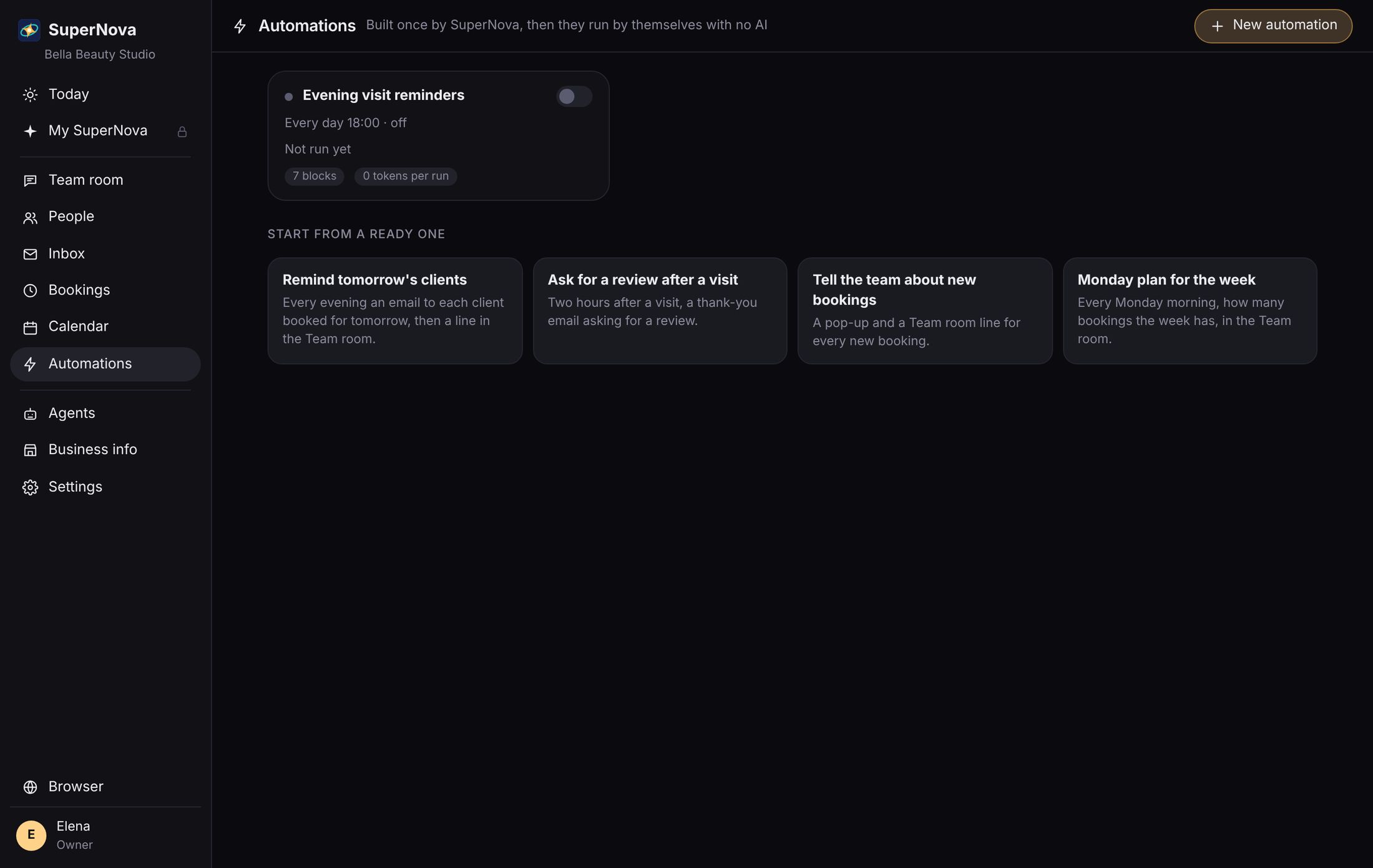
- Four ready-made automations to start from
- Emails go out from your own business mailbox
Coming soon: SMS and Viber steps · Google review link step
How to use it
Open Automations and describe it
“Two hours after a visit, ask the client for a review.”
Look at the flow
SuperNova draws it as When, Get, Logic and Do blocks. Change any block by hand or by asking.
Press Test run
Nothing is sent. You see every step and the exact messages.
Switch it on
It runs by itself from now on. The next run time is always shown.
All automations in one list
On or off, last run and next run at a glance.